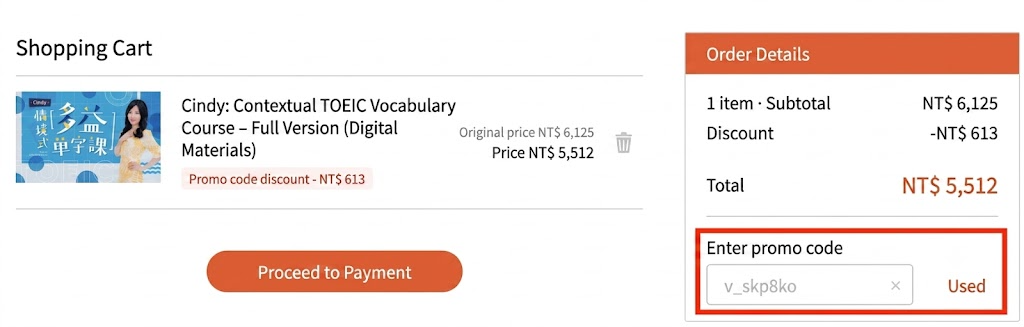
Step 1: Publicly share your "exclusive link" or copy and paste it to a friend, inviting them to use the link and referral code you provide to purchase at a 10% discount.
Step 2: After your friend successfully makes a purchase, you can view this record in "Referral Records", with the status shown as "Under Review".
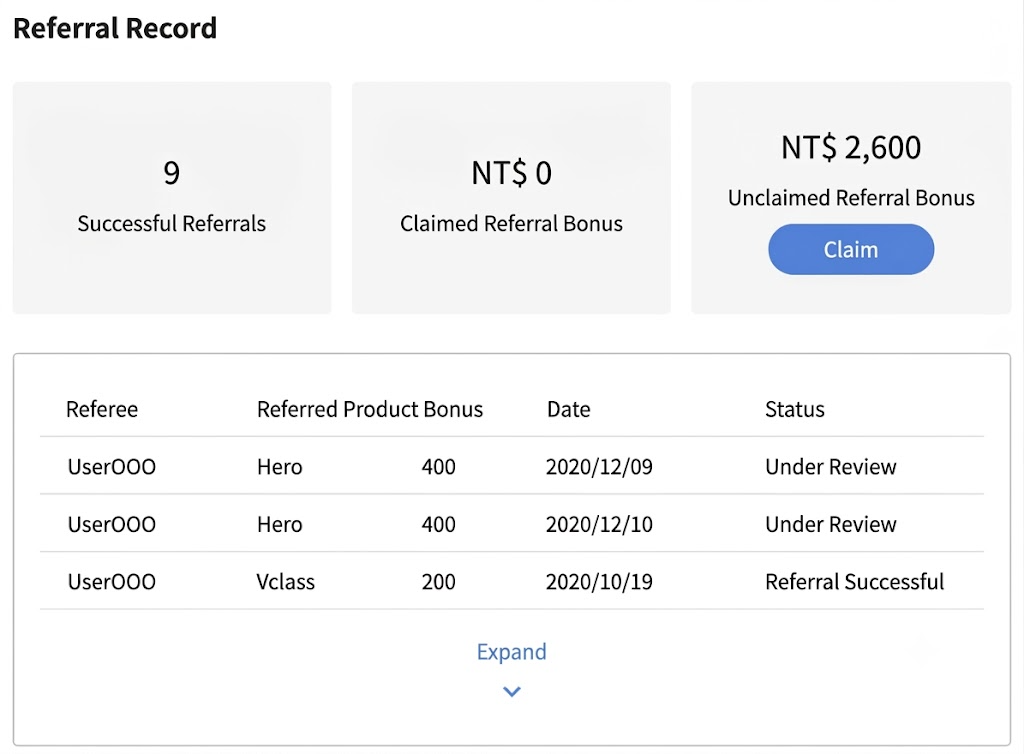
Step 3: When a friend successfully purchases a course through your "exclusive link" and does not request a refund after the refund period has passed, it counts as a "successful referral". (Refund policy: students who purchase after a course has started may request a refund within seven days of purchase, provided they have not watched more than two lessons.)
📝 Note: This article was machine-translated. If anything is unclear, please contact our support team.