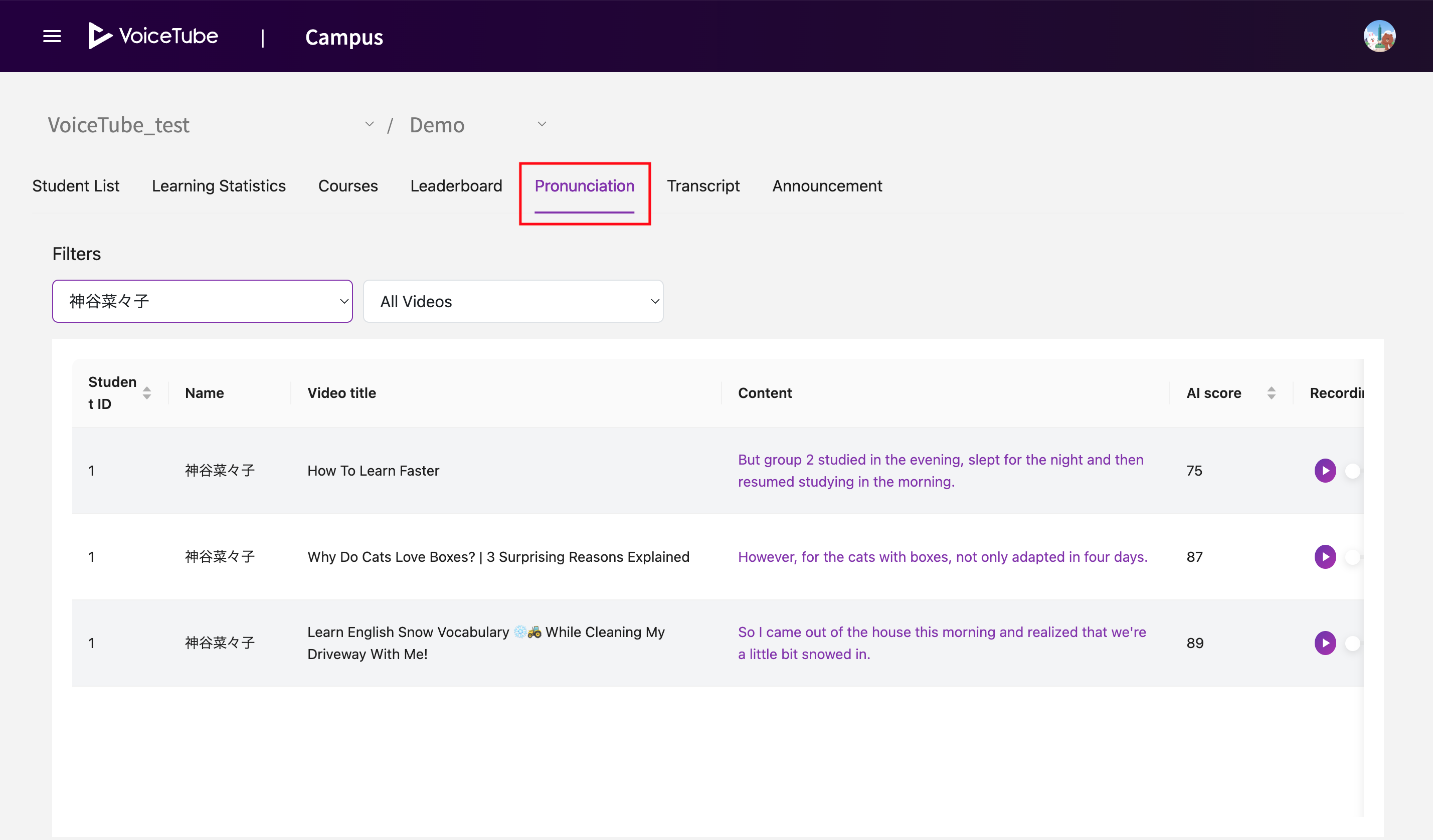
Pronunciation page allows you to review students' pronunciation practice records created using VoiceTube's AI Pronunciation Analysis feature.
How to View Records
- Use the Filters section to narrow down records by student or video.
-
Video Title – The title of the video used for pronunciation practice.
-
Content – The sentence that was practiced.
-
AI Score – The pronunciation score assigned by the AI.
-
Recording Content – Listen to the student's recording. You can also download the audio file in MP3 format.
-
Score – Leave an evaluation score or comments for the student.
Student View
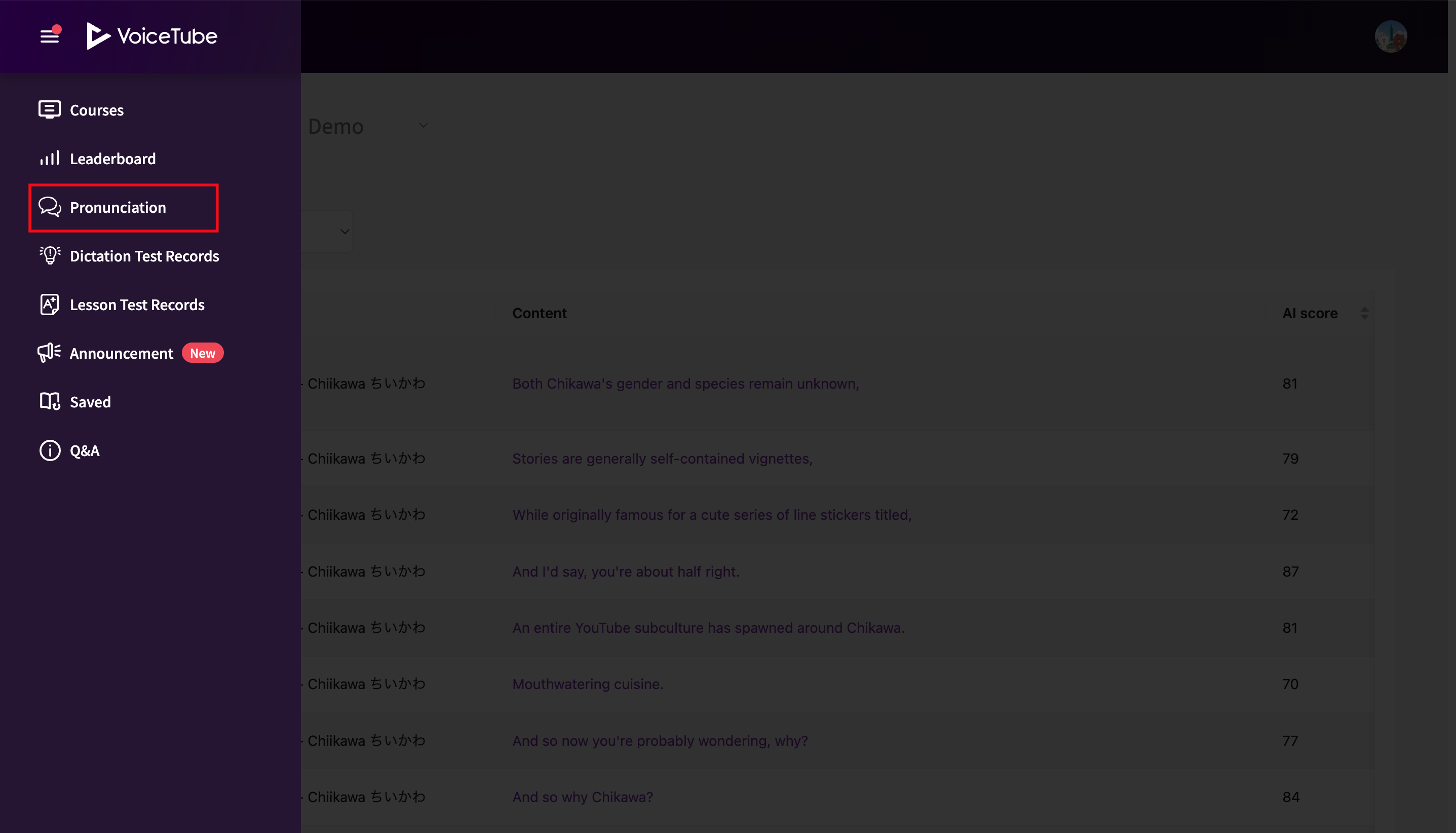
Students can view their teacher's scores and feedback by navigating to Recording Records in the Campus sidebar.
FAQ
Q. Why are there no records for some videos?
Only pronunciation analysis records generated from videos that have been added as Course Videos in Campus are displayed in Recording Records. Records from other videos are not available on Campus.
For more information about Course Videos, please refer to this page 👉 [Course Videos]