Students can take dictation tests using videos that have been added as Course Videos in Campus.
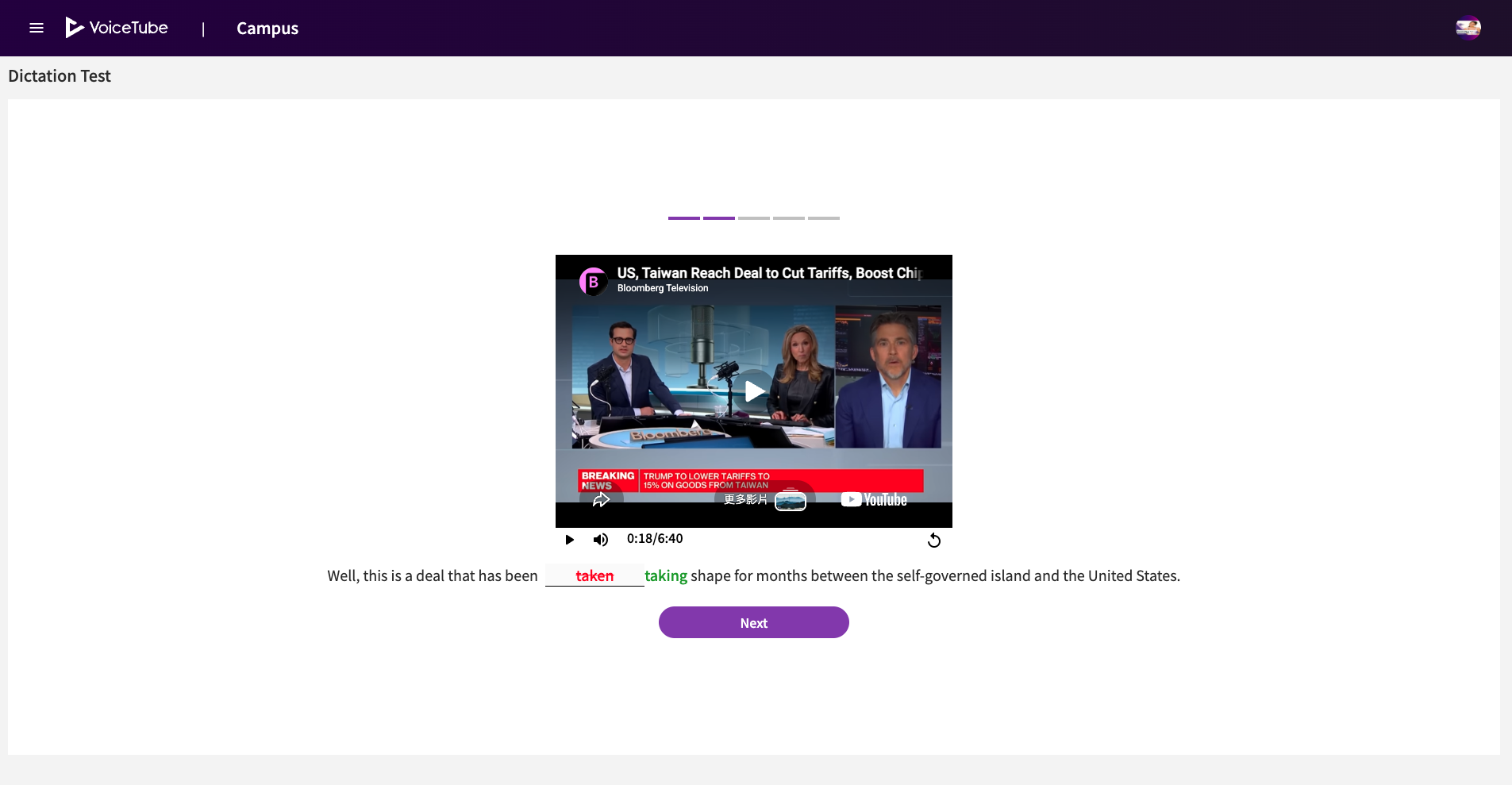
How to Add a Lesson Test
Step 1: Add a VoiceTube Video as a Course Video
-
Add a VoiceTube video as a Course Video.
- For instructions on how to add a Course Video, please refer to this page 👉 [Course Videos].
-
When a video is added as a Course Video, a dictation test is automatically created at the same time.
Student Guide: Where Can I Take the Test?
💻VoiceTube Web
-
Open the page of the assigned video.
-
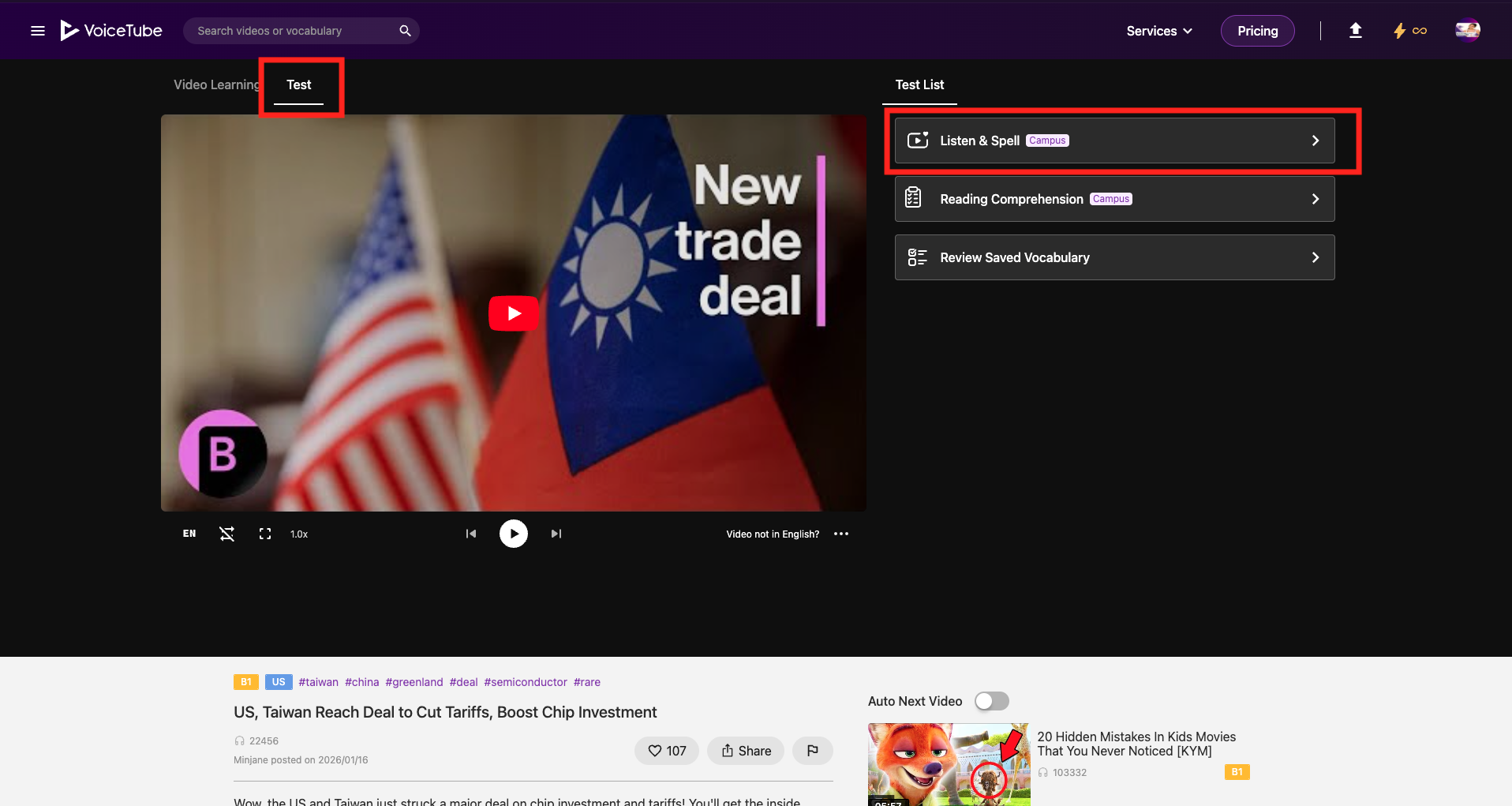
Click Test → Listen & Spell
📱VoiceTube App
-
Open the page of the assigned video.
-
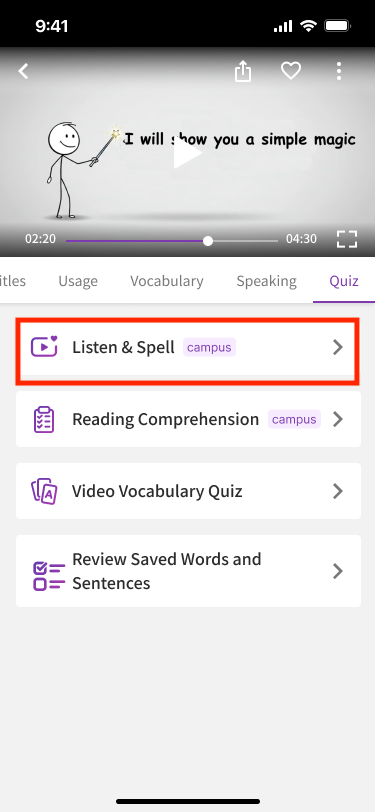
Tap Listen & Spell to start the test.