Since Vclass now has its own dedicated learning platform, there will be two methods:
1. Taking classes on the Vclass website
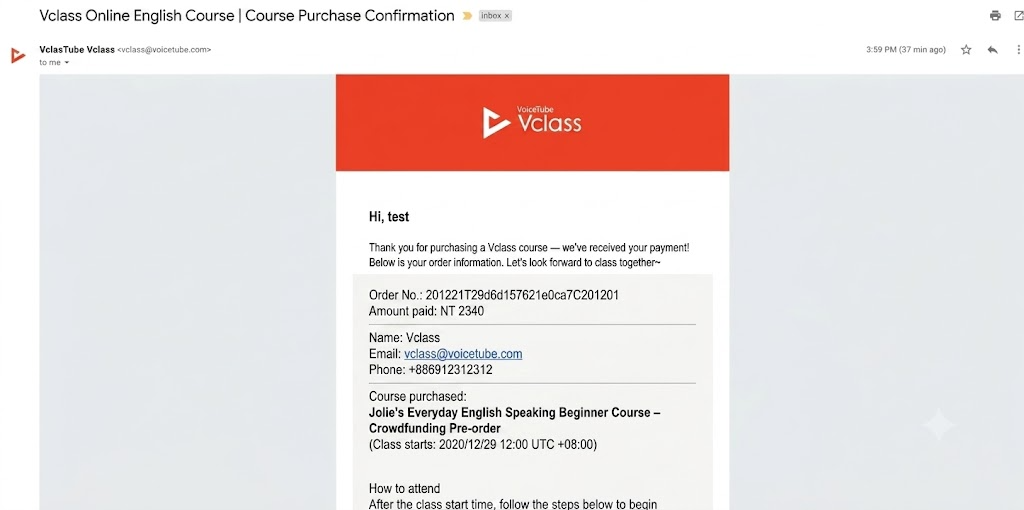
Step1. After purchasing the course, you will receive a "Purchase Success Email",
Step2. Go to the Vclass homepage https://vclass.voicetube.com/ , and check My Courses

Step3. Enter the course to start learning
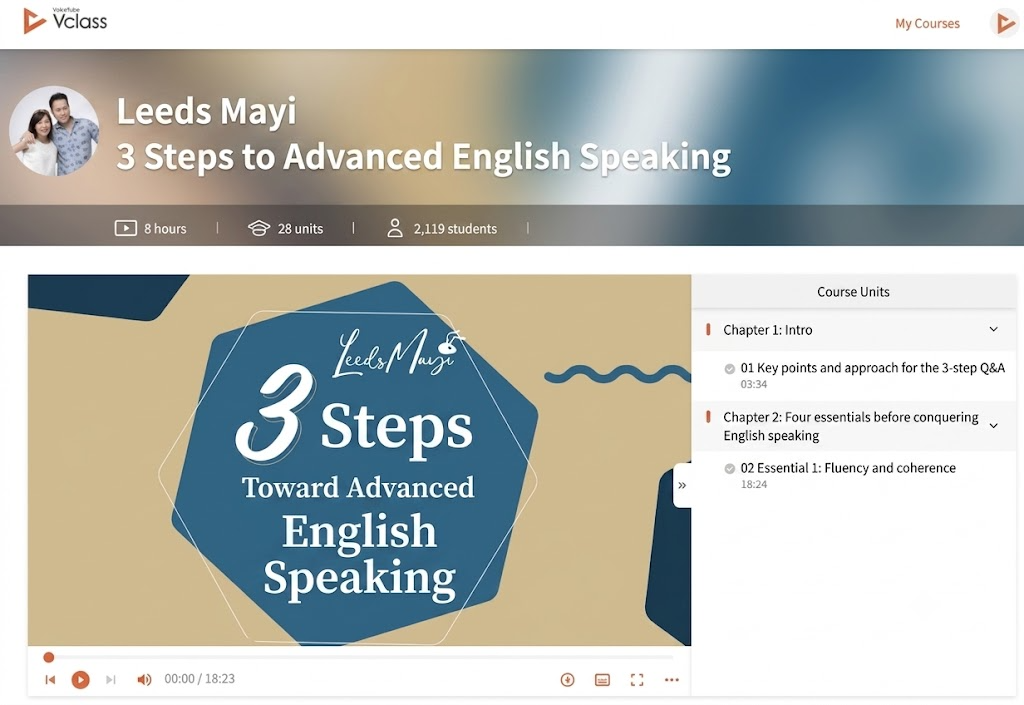
(The course names below are for illustration only)
After purchasing the course, you will receive three emails, namely the "Welcome Email" and the "Purchase Success Email".

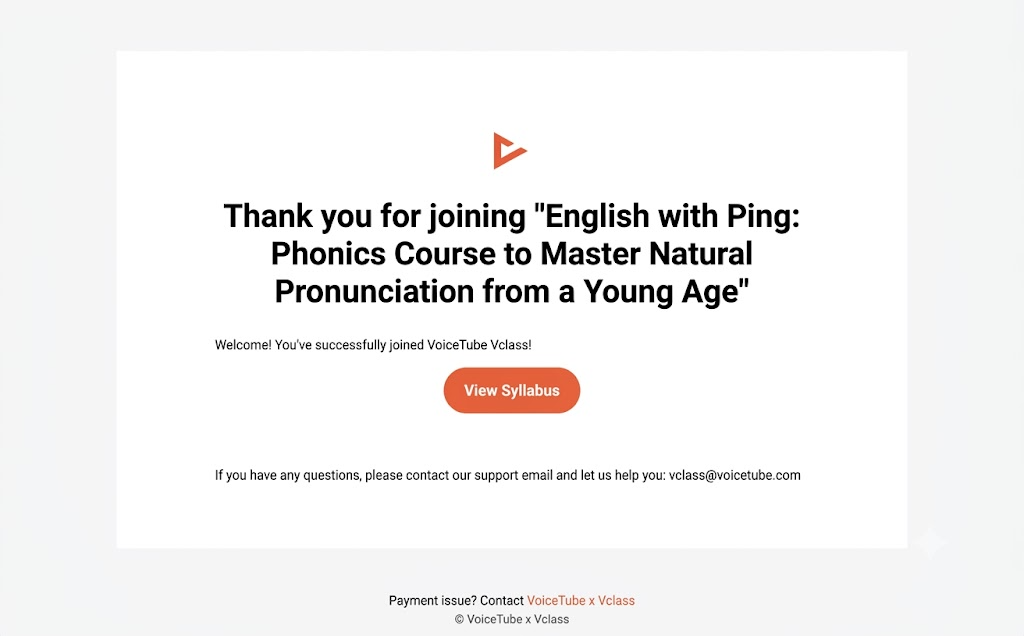
A. Welcome Email: Welcomes you to join, and lets you view the syllabus
B. Purchase Success Email: Contains your order number and various information, as well as the steps to activate access
A. Welcome Email
B. Purchase Success Email
The Purchase Success Email contains your order number. After copying it, you can click "Go to the FB Group", click Join, and answer the group entry questions.
For the entry questions, please provide your order number and registered email.
After your access is activated, you can log in to the platform to watch the trial teaching videos, and once the course begins, you can log in to take classes.
📝 Note: This article was machine-translated. If anything is unclear, please contact our support team.