Home Personal Information How do I change my nickname and account information?

How do I change my nickname and account information?

Last updated on Jun 05, 2026
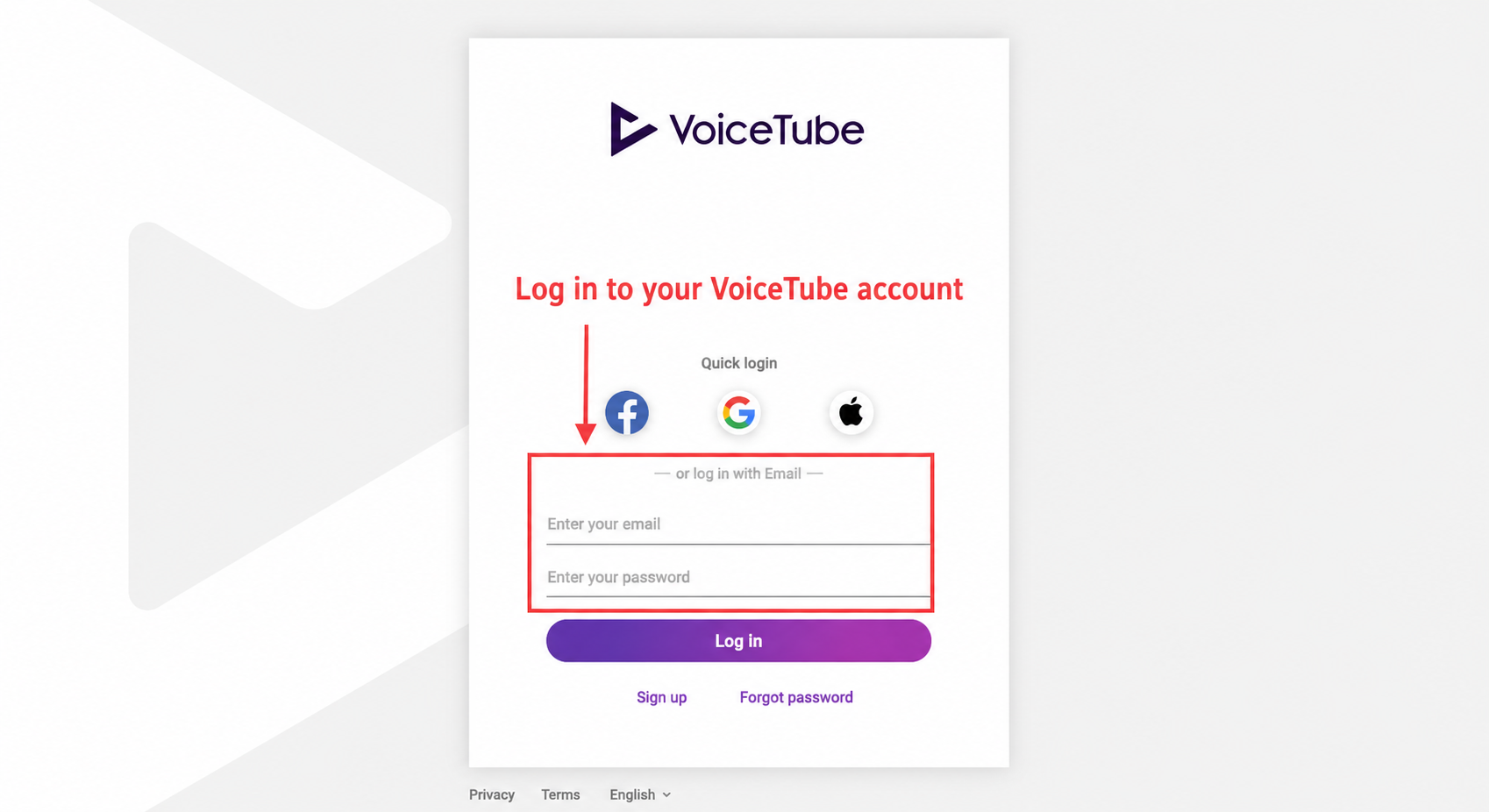
  1. Please log in to your account on the web version Member page
    2021-02-25 4.18.36.png
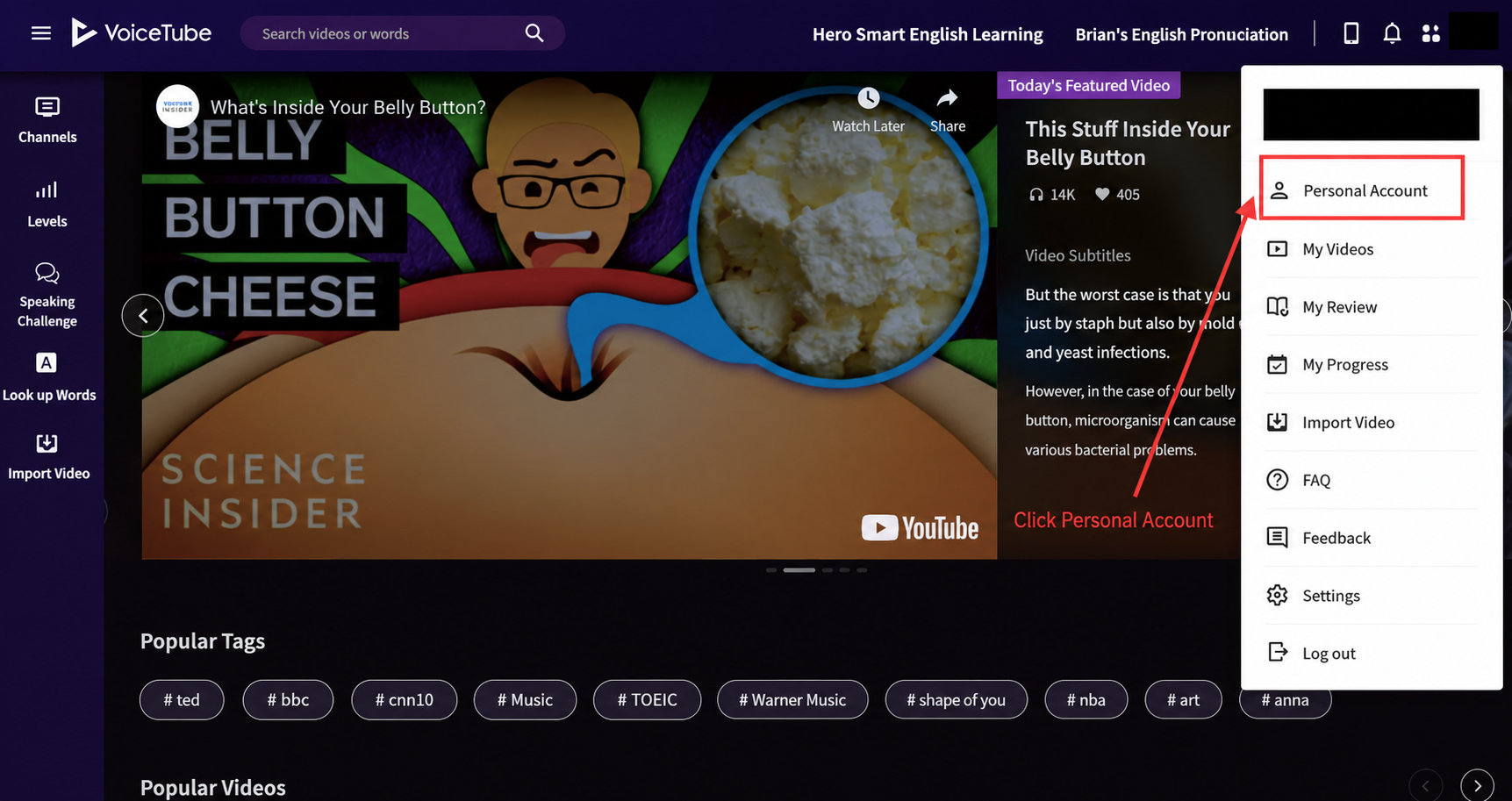
  2. Select "Personal Account"
    2021-02-25 4.19.57.png
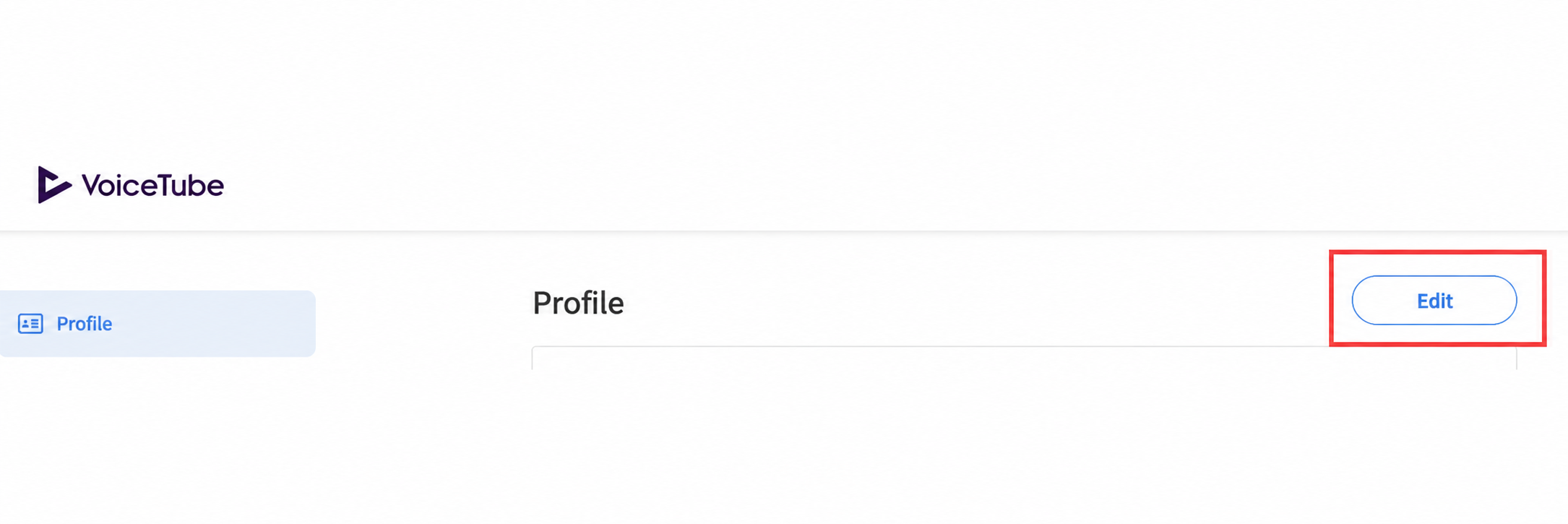
  3. After clicking "Edit"
    2021-02-25 4.45.27.png
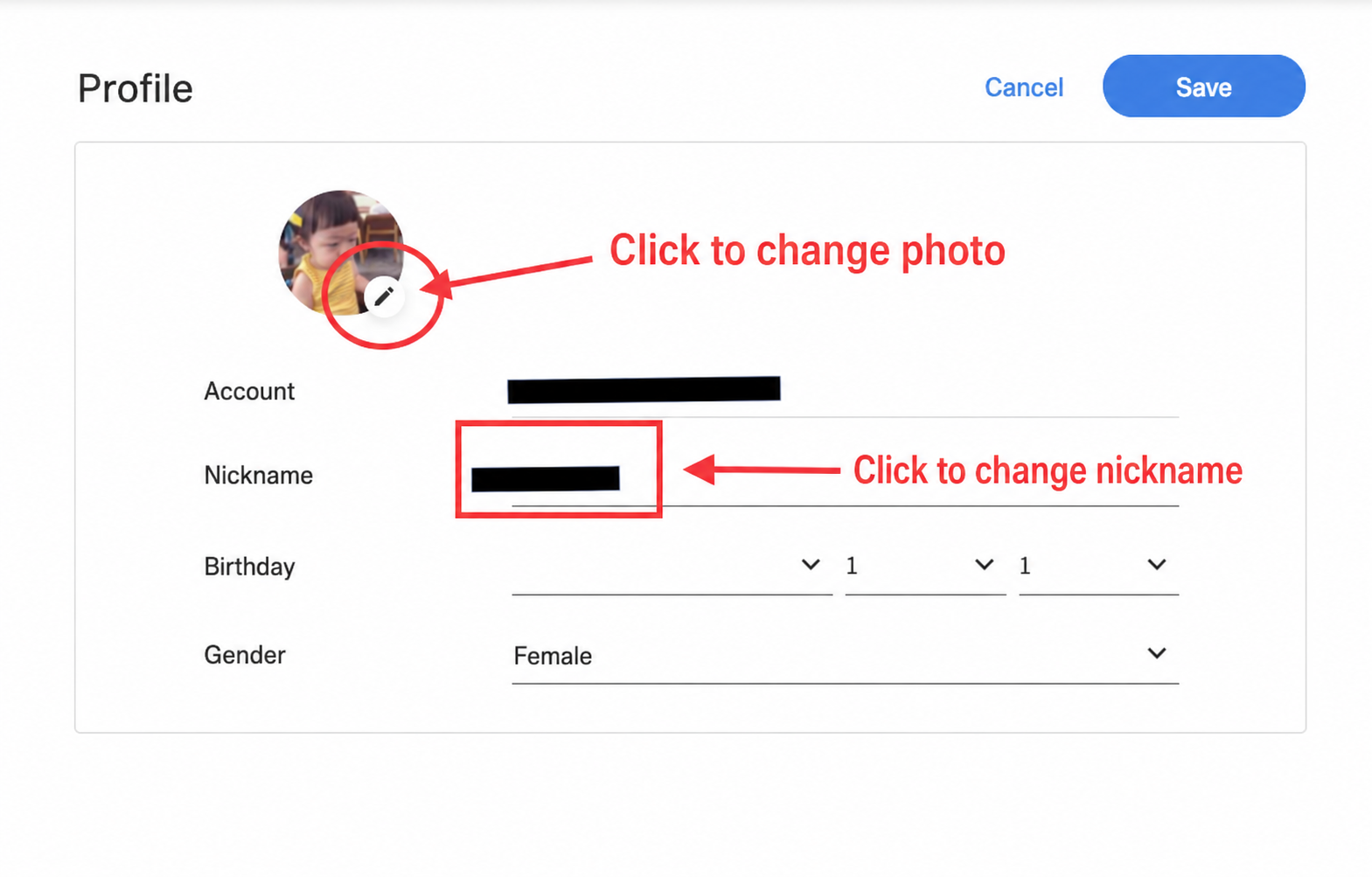
  4. You can then change your personal account information
    2021-02-25 4.46.57.png

📝 Note: This article was machine-translated. If anything is unclear, please contact our support team.