*Currently, neither group-buy nor subscription plans support installment payments, so please be aware of this when purchasing!
After registering or logging in to your VoiceTube account, select the course plan you wish to purchase and fill in your order information.
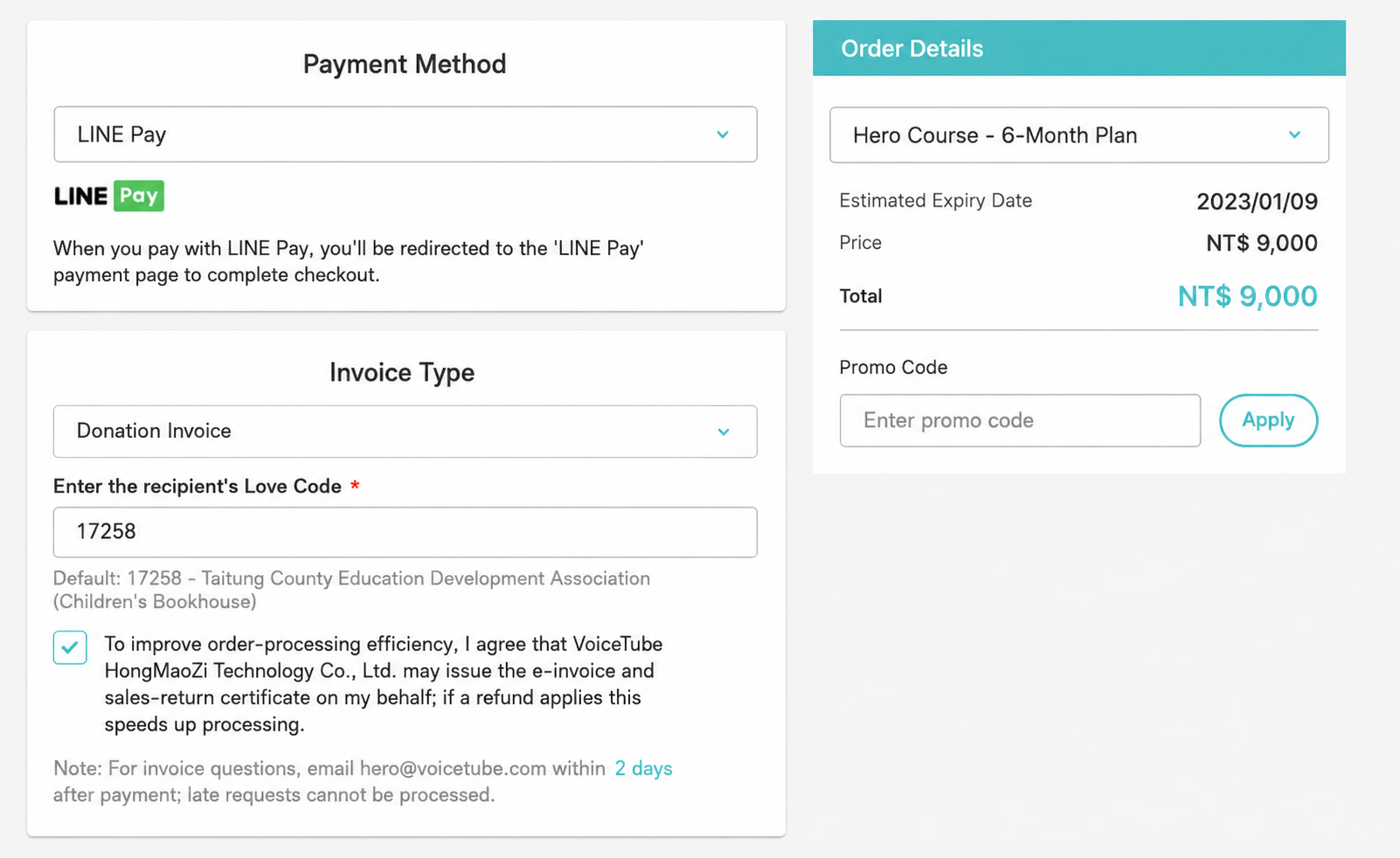
There are four payment methods: LinePay, credit card, ATM transfer, and convenience store code payment. 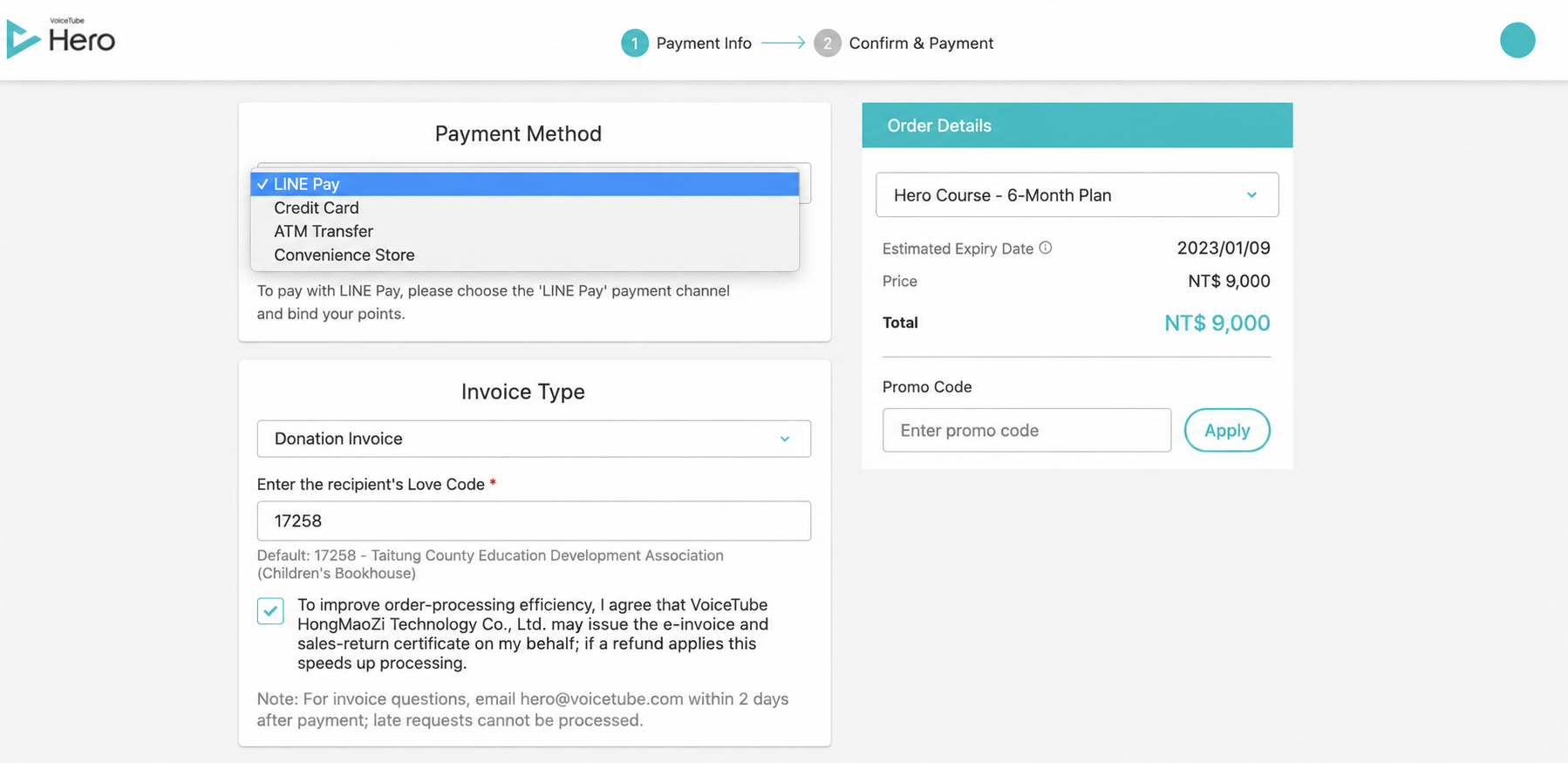
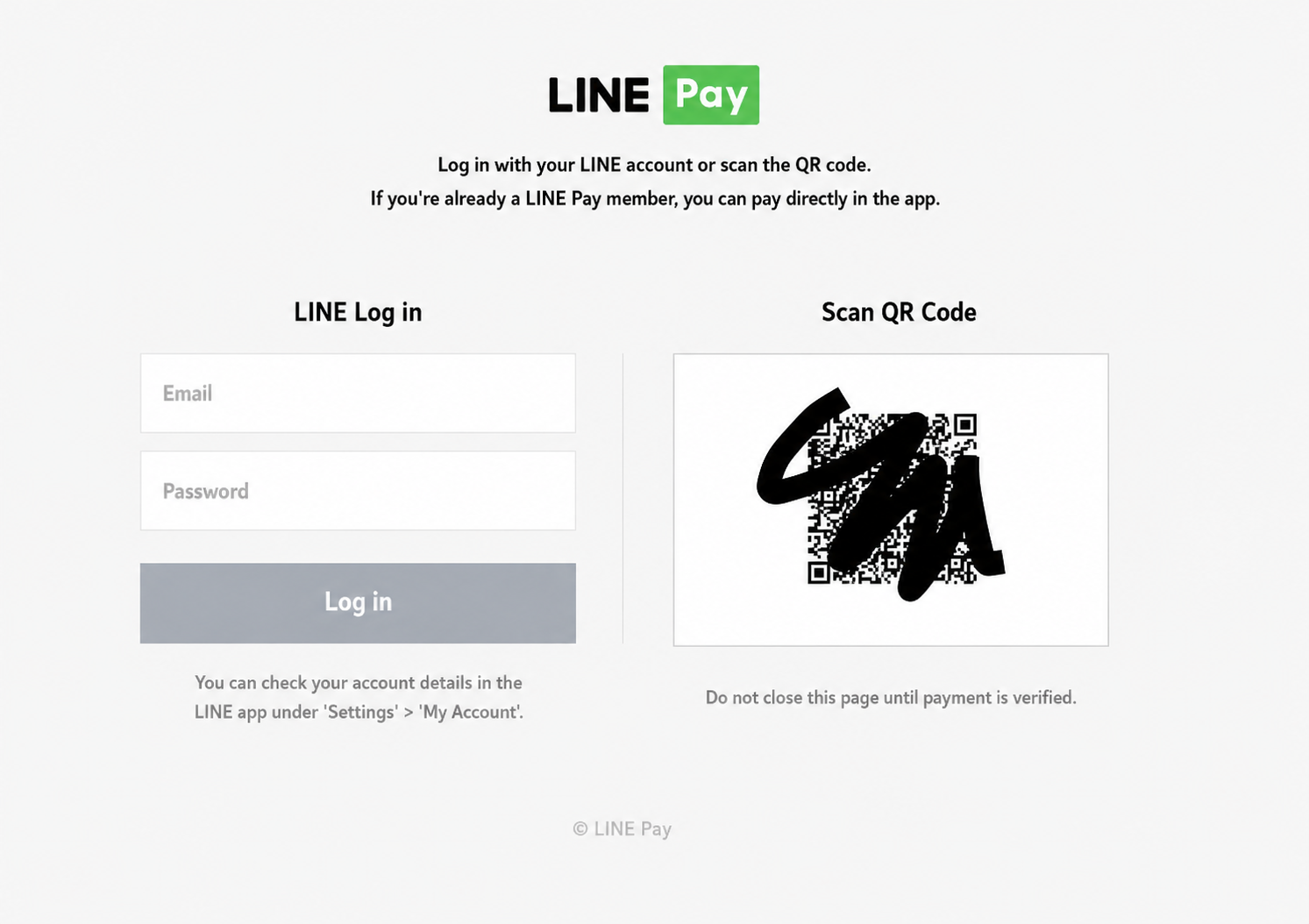
- LinePay: If you purchase on a computer, you need to scan a QR Code to make the payment; if on the mobile Web, it will switch directly to your LINE to make the LinePay payment. After the payment is completed, you can start using the course immediately.
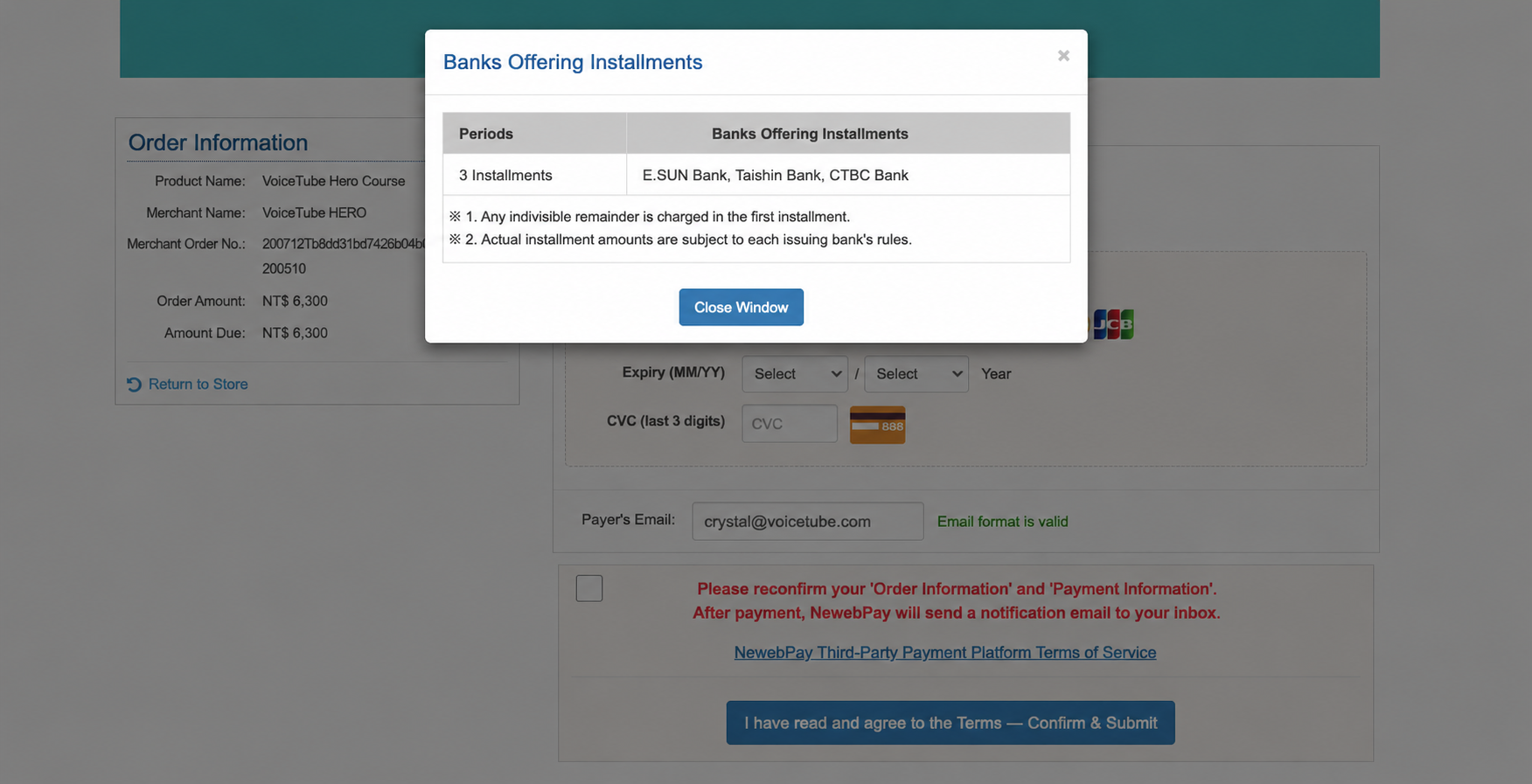
- Credit card: Choose to pay in full at once with a credit card online, or pay by credit card installment, fill in the credit card information, and after the payment is completed, you can start using the course immediately.
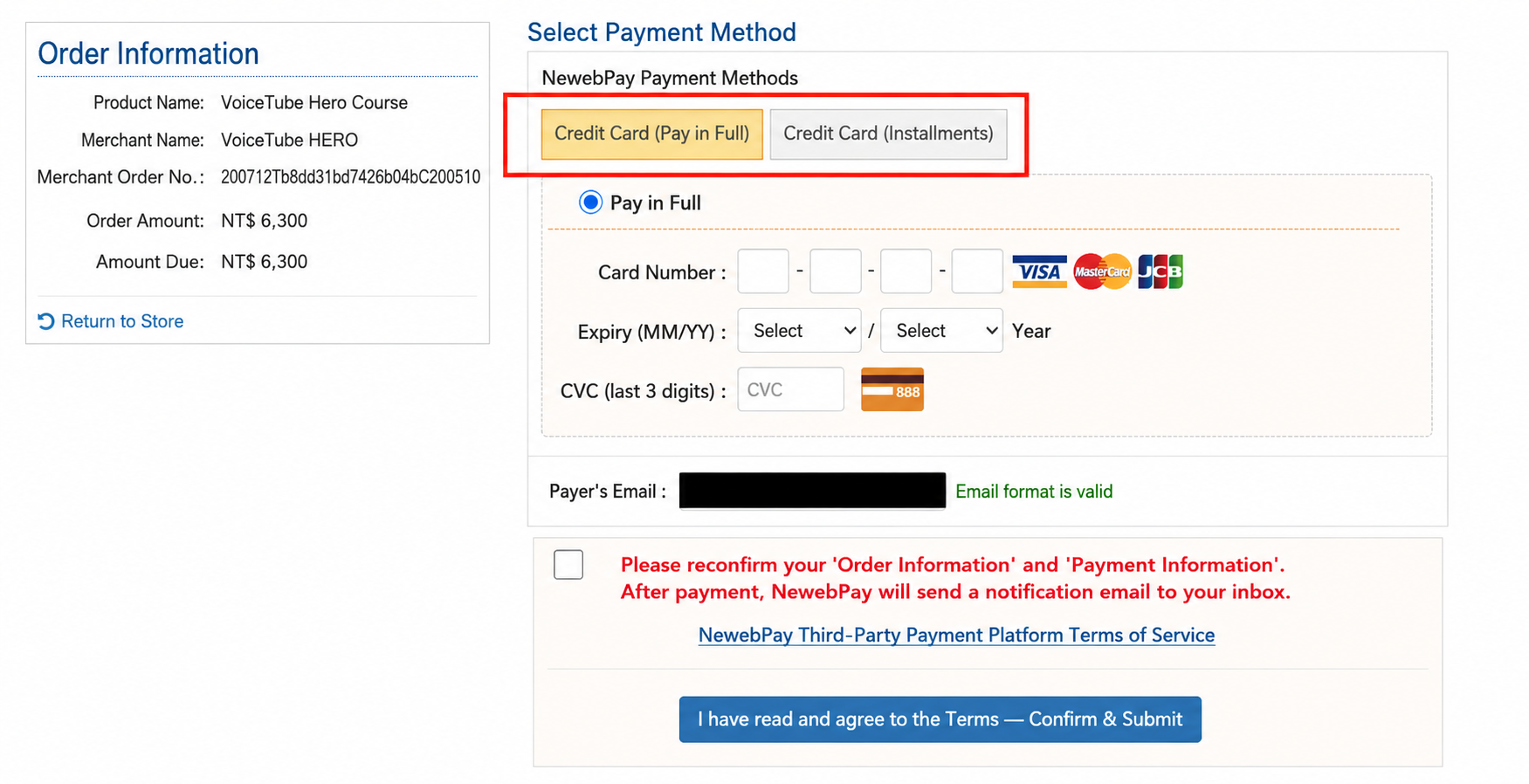
The banks that support installment payments are: E.SUN, Taishin, and CTBC (only these three banks offerzero interest). ( VISA debit cards cannot be used for installments )
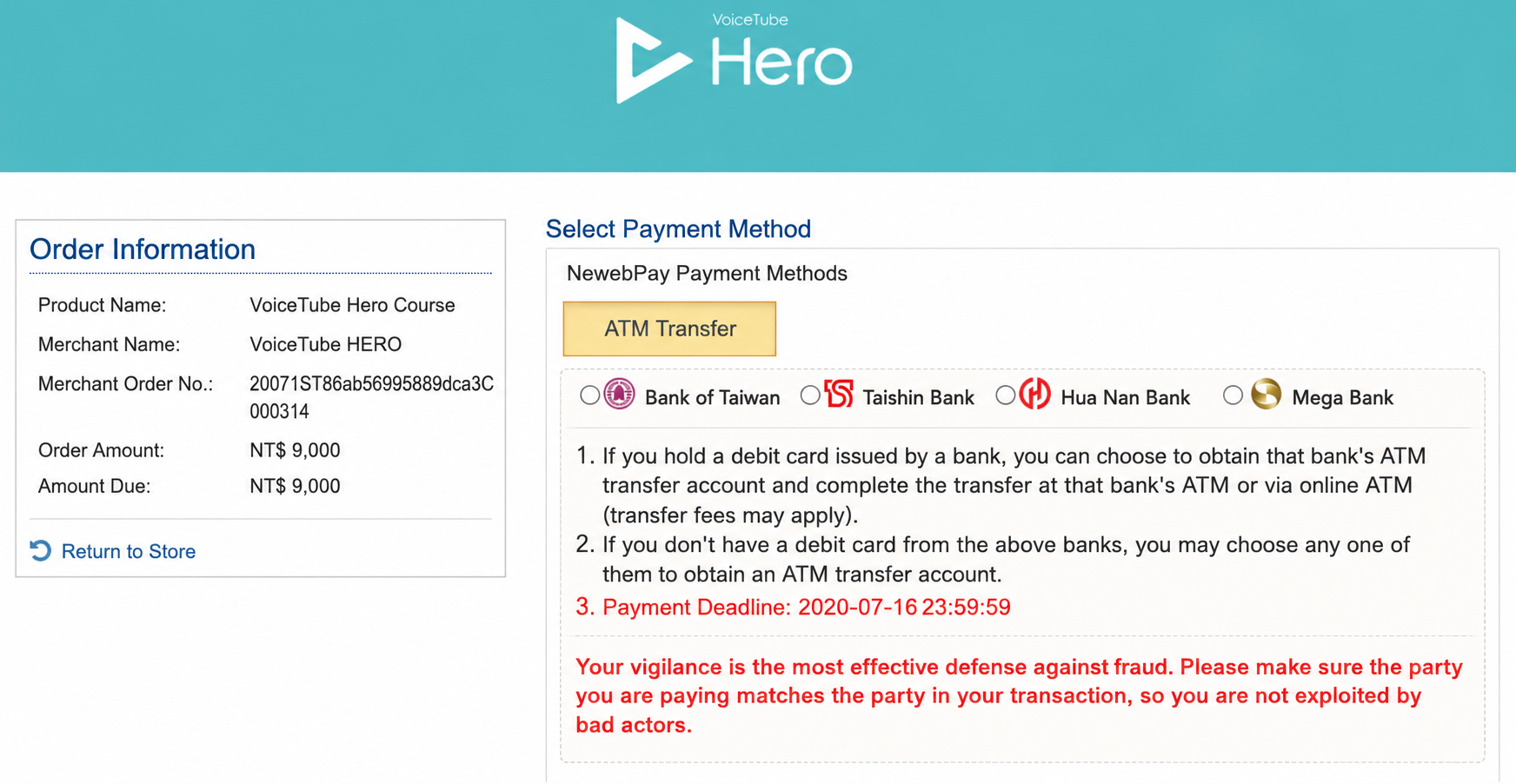
- ATM transfer: After you complete the checkout procedure, you can choose the bank for the transfer yourself, and the system will generate a "virtual account number" exclusive to this order.
Please complete the transfer within 24 hours, and wait half a day to one day before you can start the course.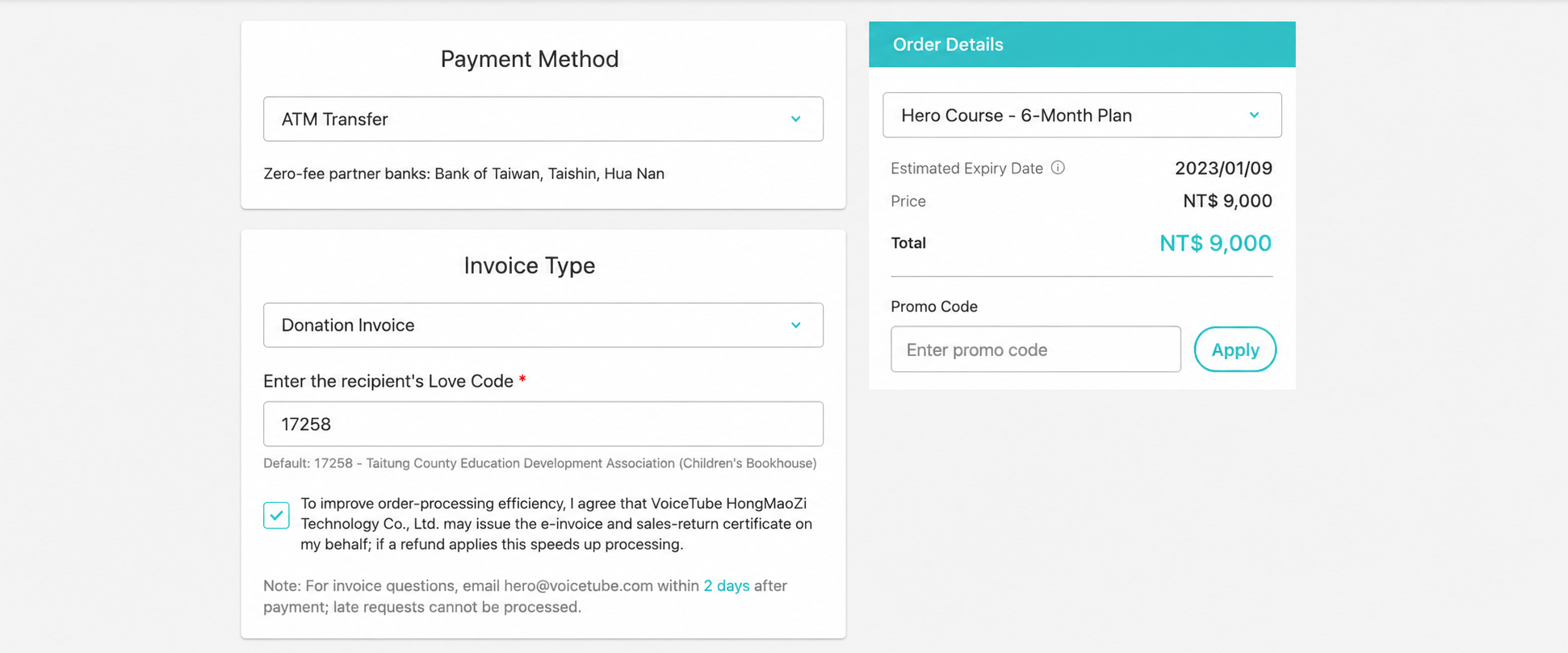
- Convenience store code payment: Amounts over NT$20,000 cannot use convenience store payment! (Tax can only go up to NT$30,000)
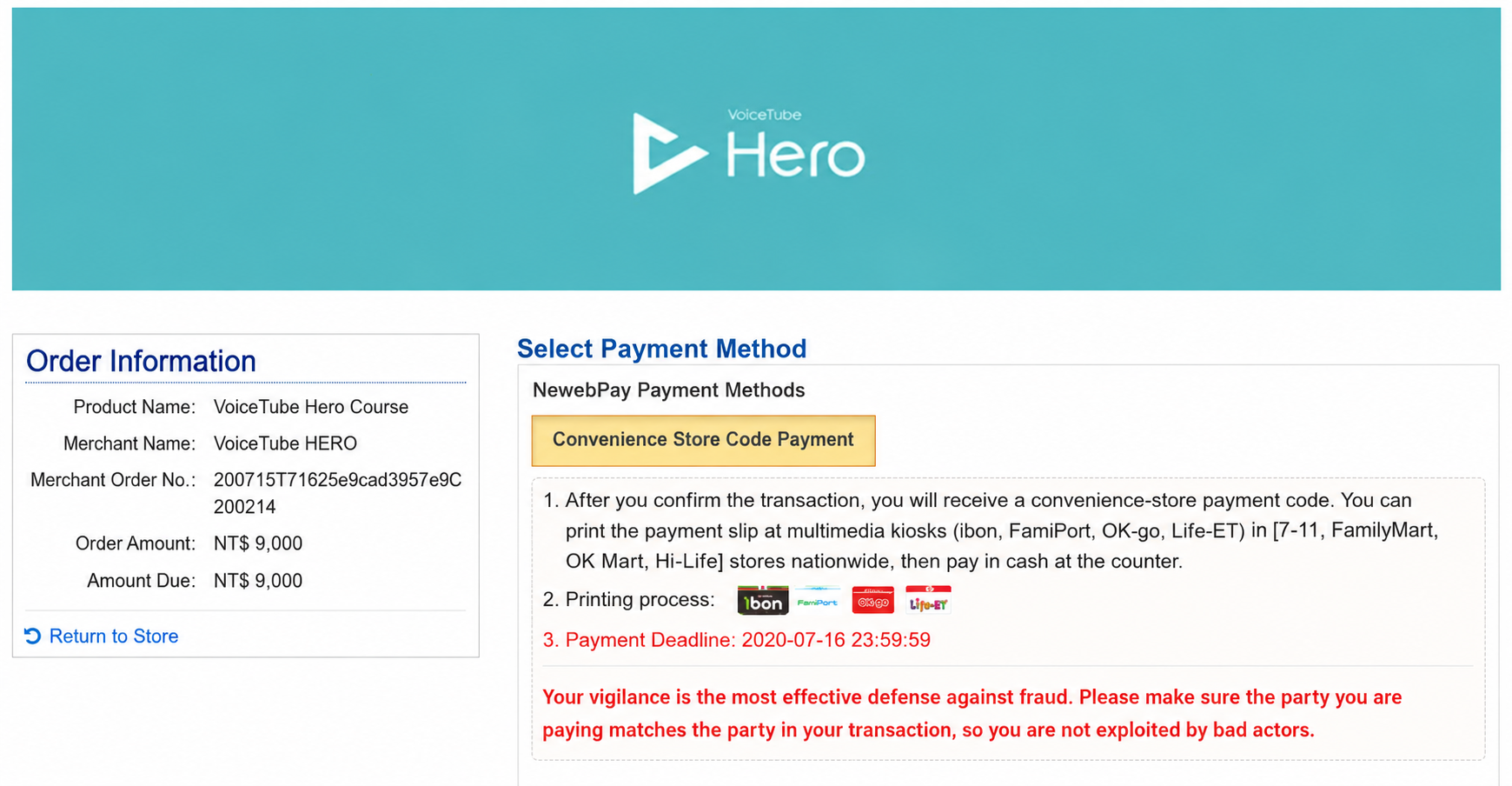
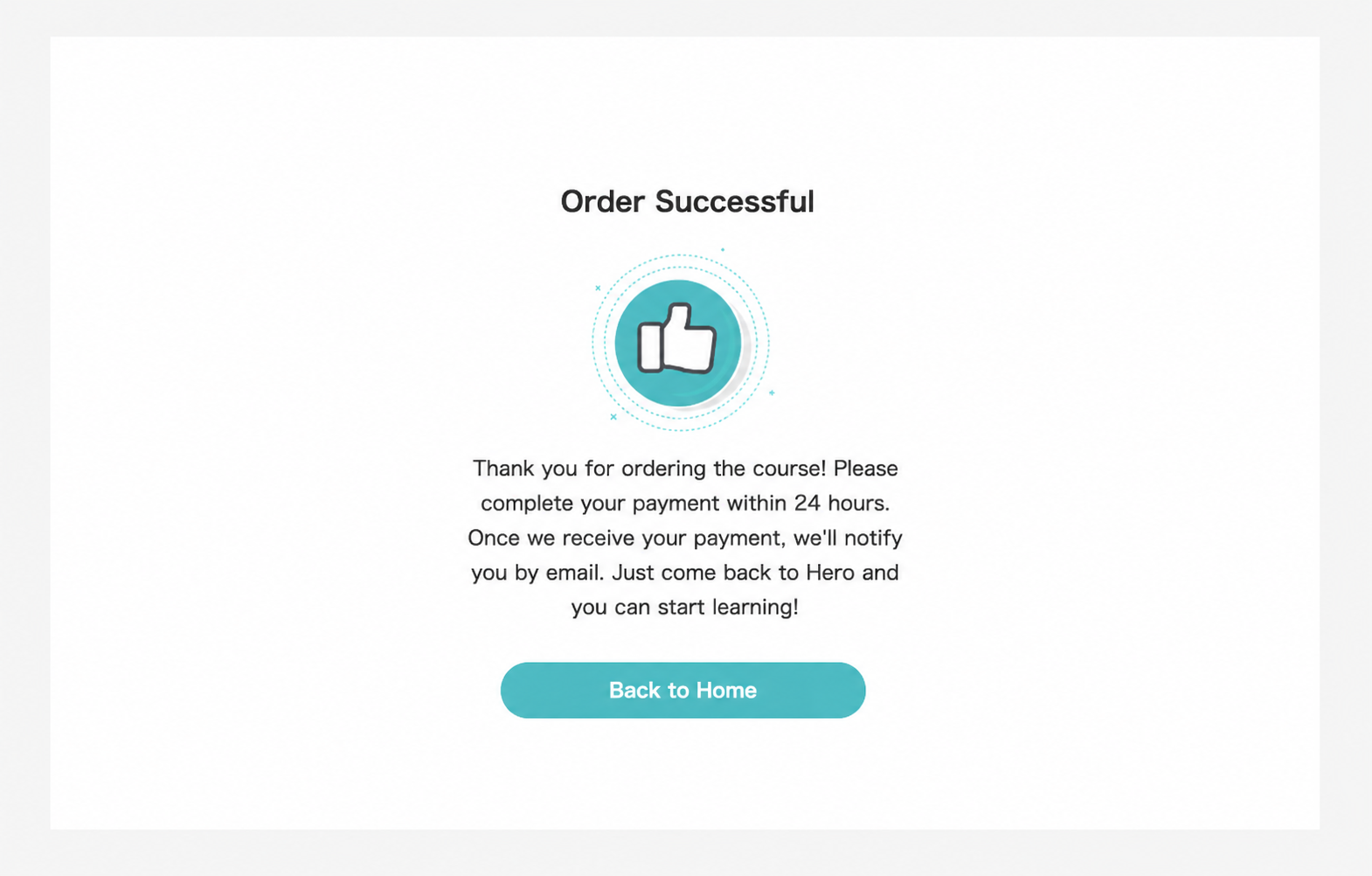
After you complete the checkout procedure, the system will generate a "code", andthe payment code email will be sent by the system to the payer's email.
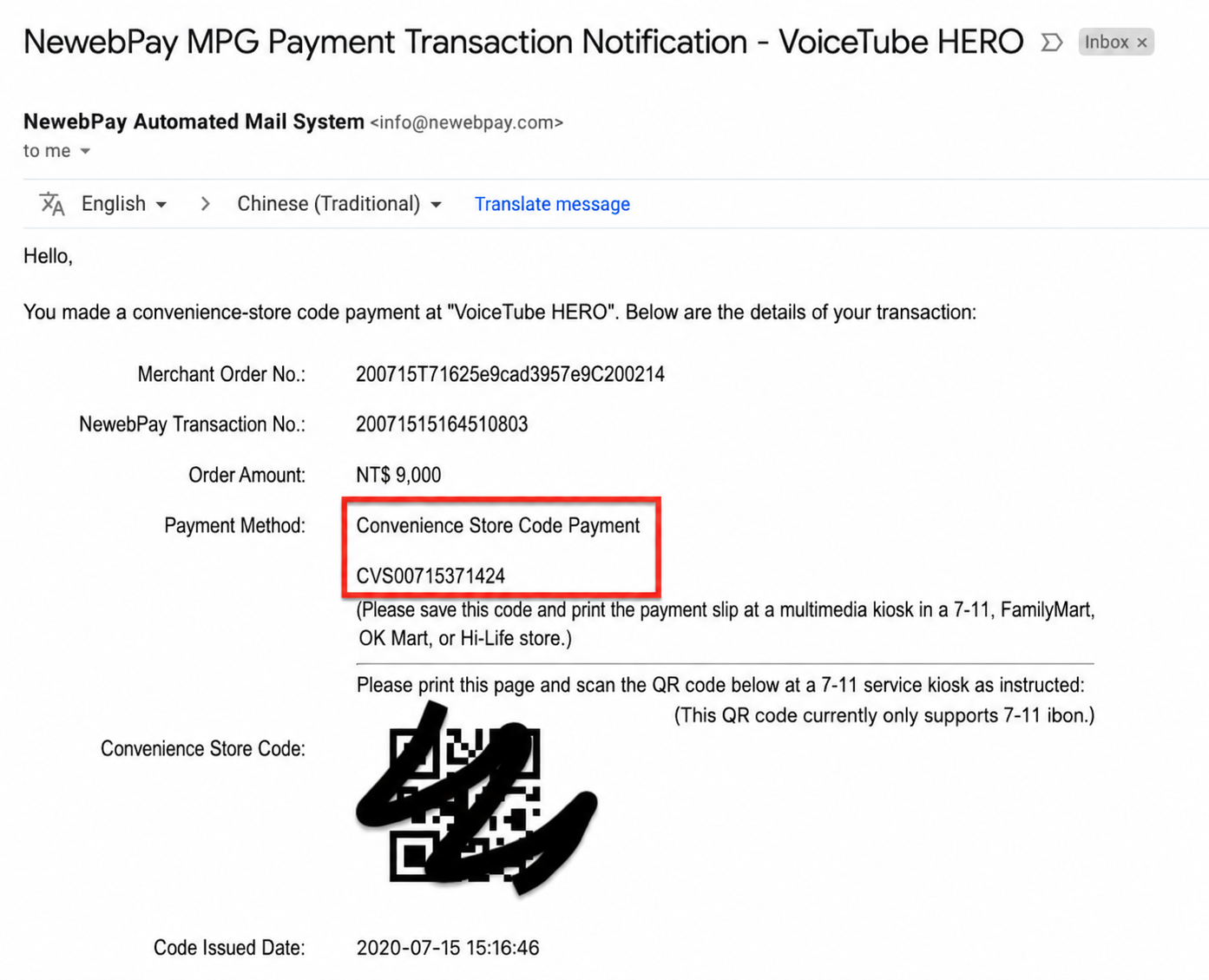
The email will contain payment instructions for the four major convenience stores. Please use this code to pay at the four major convenience stores (7-11, FamilyMart, Hi-Life, and OK) within 24 hours.
Convenience store payment option instructions—just follow the prompts to complete the payment:
【7-11 ibon】Please tap "Payment". 7-11 ibon payment process.
【FamilyMart FamiPort】Please tap "Payment". FamilyMart FamiPort payment process.
【OK Mart OK-go】Please tap "Payment". OK Mart OK-go payment process.
【Hi-Life Life-ET】Please tap "Payment, Collection". Hi-Life Life-ET payment process
And wait half a day to one day before you can start the course. No additional handling fee is charged for convenience store payment.
📝 Note: This article was machine-translated. If anything is unclear, please contact our support team.