Since the new class platform does not support opening via Webview, you need to open the website using the Chrome browser. Please refer to the steps below:
Step1. If you open the class platform on an Android phone and notice a white block at the top of the screen, it means you opened the website using the VoiceTube App
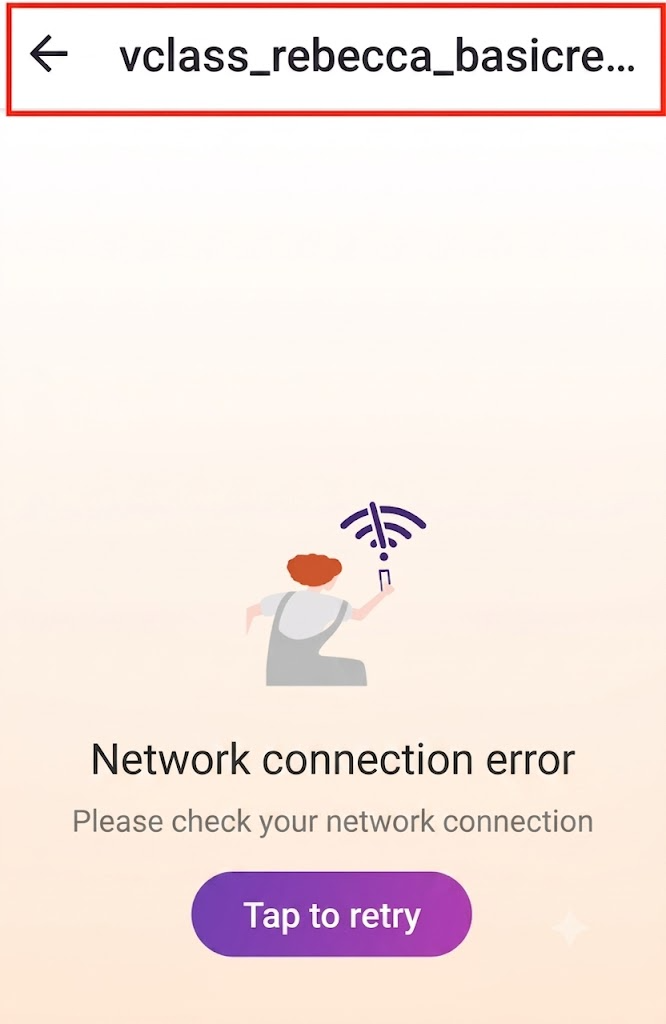
Step2. Because Android phones ask which tool you want to use when opening a webpage. If you have previously checked the option to always use the VoiceTube APP to open VoiceTube-related URLs on your phone, it will cause the situation described above.
Step3. Please follow the path below to remove it. The removal path may differ slightly depending on the different brands (Samsung, Sony, HuaWei...) of Android system phones.
1. Settings - Apps
2. Find the VoiceTube app
3. Clear defaults
4. Change Go to supported URLs to "Ask every time"
Step4. In addition, you can also open the Chrome browser and copy the class URL ( https://vclass.voicetube.com/ ) to enter
📝 Note: This article was machine-translated. If anything is unclear, please contact our support team.