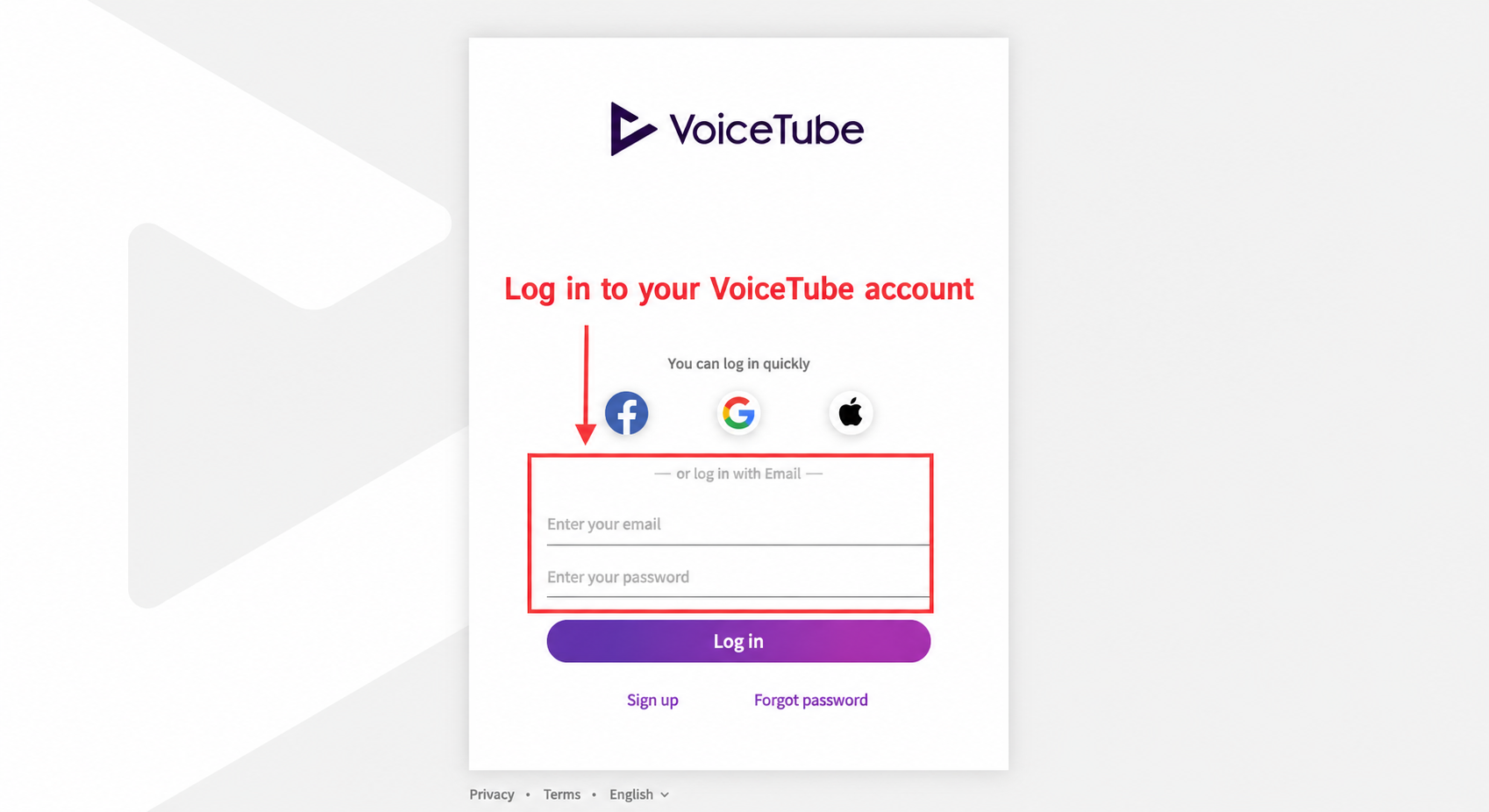
- Please log in to your account at the web version Member Page
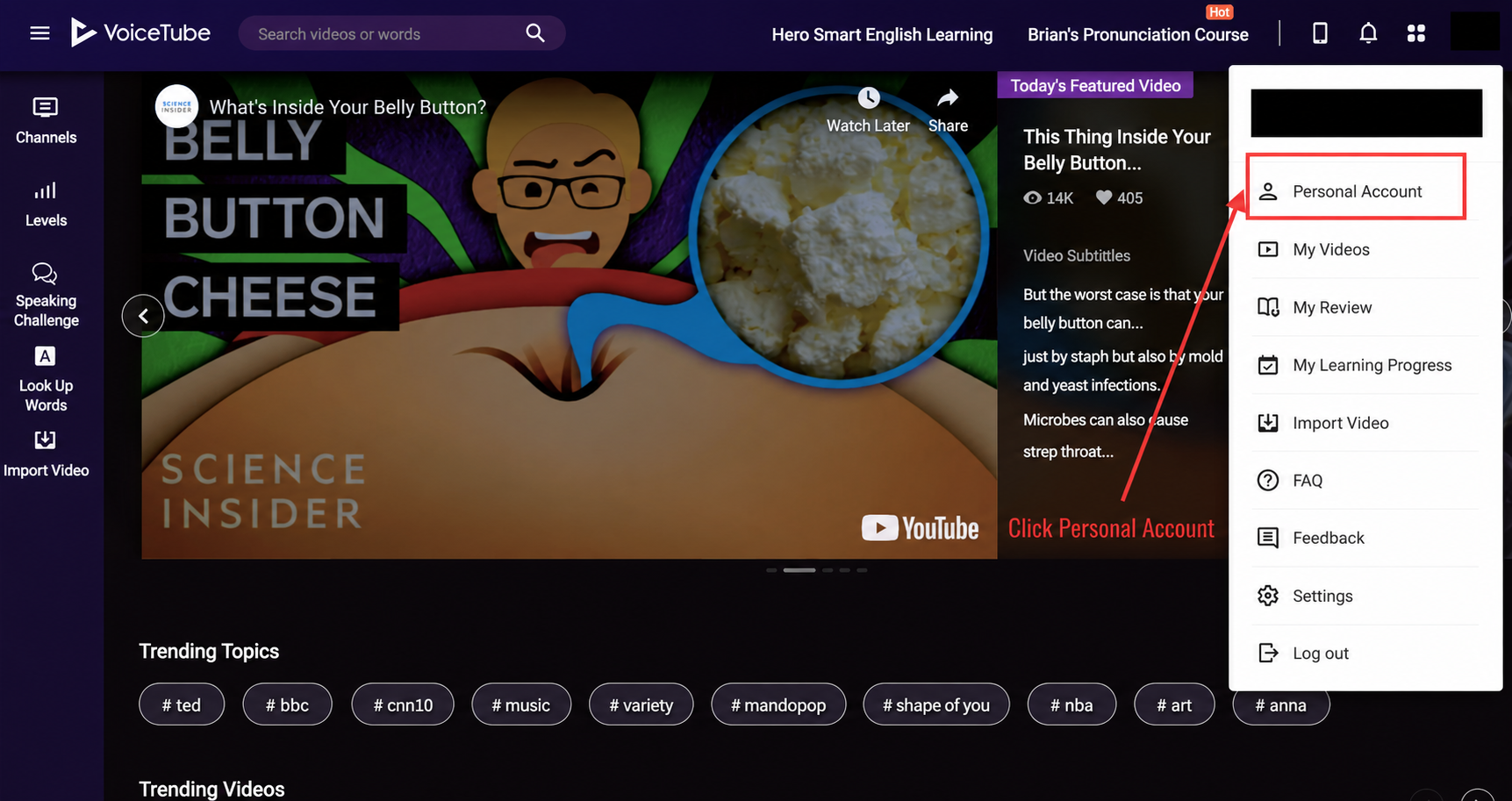
- Select "Personal Account"
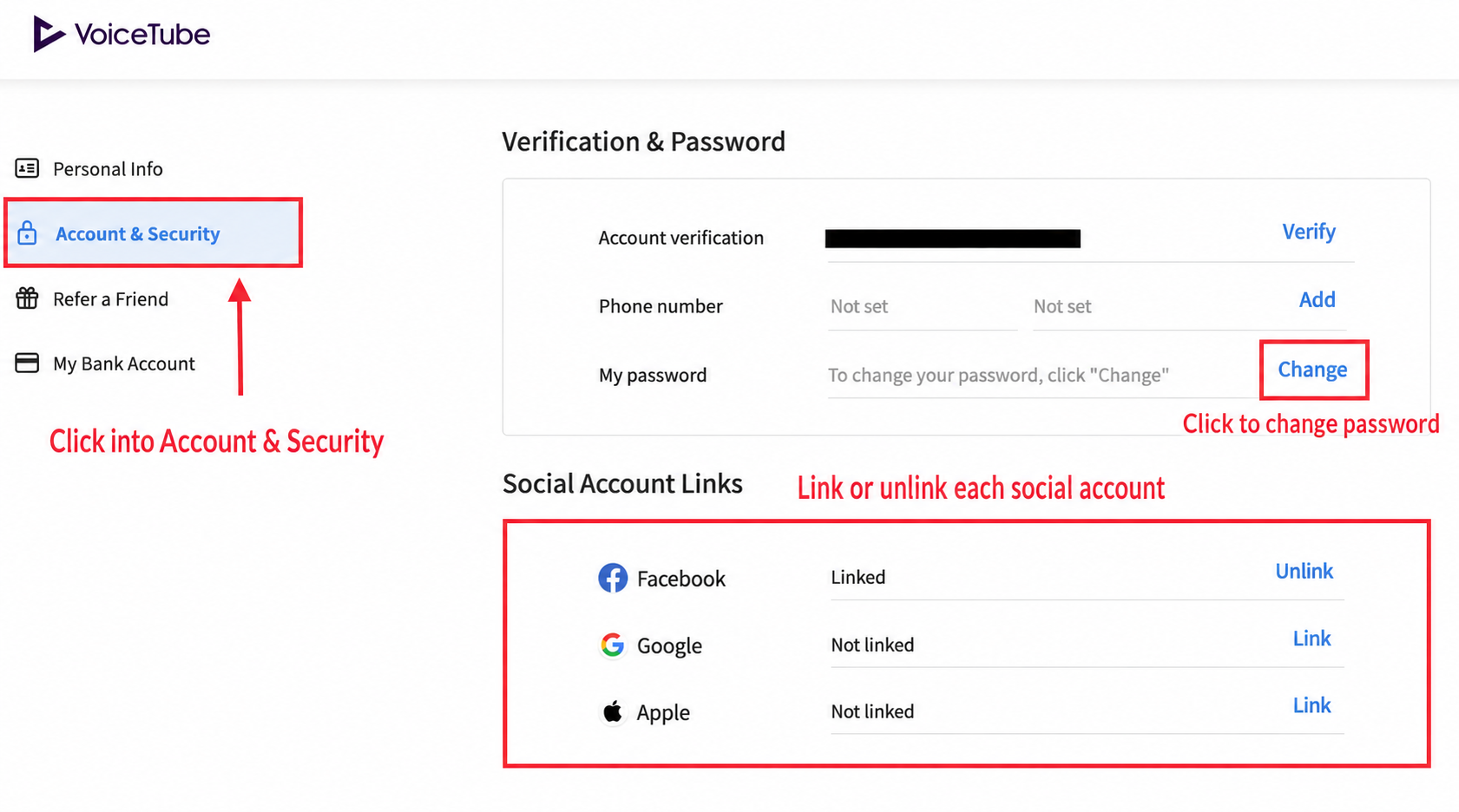
 3. Select "Account & Security"
4. Under My Password, select "Change" to unlink or link your Facebook/Google Play/Apple ID account!
3. Select "Account & Security"
4. Under My Password, select "Change" to unlink or link your Facebook/Google Play/Apple ID account!
📝 Note: This article was machine-translated. If anything is unclear, please contact our support team.